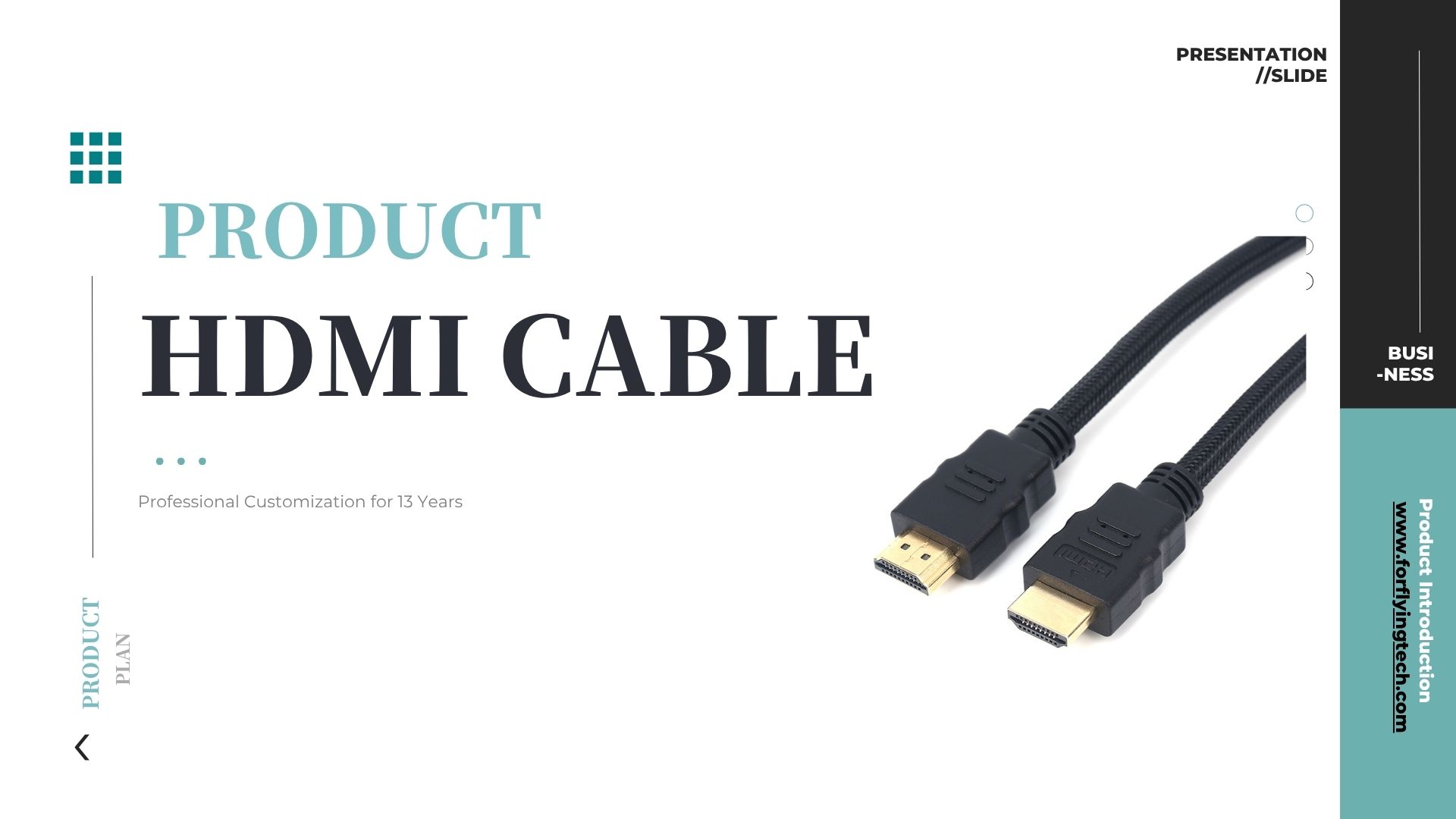
In practical applications, even when using high-definition HDMI cables, signal abnormalities may occur due to environmental factors, electrical interference, or improper usage. Below are common issues and corresponding troubleshooting suggestions to help users quickly identify problems and implement effective solutions.
1. No Signal/Black Screen
Possible Causes:
Cable length exceeds transmission capacity, causing signal attenuation.
Poor connector contact or oxidized ports;
Output device not powered on or incorrect port settings.
Troubleshooting Recommendations:
Try replacing with thicker gauge (e.g., AWG24) or active HDMI cables;
Clean connectors and ensure plugs are securely inserted.
Verify display output settings on the output device are correct.
2. Image flickering, snowflake patterns, or color abnormalities
Possible causes:
Electromagnetic interference affects transmission quality, common in industrial environments.
Use of low-quality or inadequately shielded HDMI cables;
Loose connectors or internal solder joint defects.
Troubleshooting recommendations:
Replace with high-performance cables featuring multi-layer shielding and metal braid + aluminum foil composite construction;
Avoid parallel routing with high-power cables.
Inspect and secure connectors to prevent loosening or movement.
3. Image present, no sound
Possible causes:
Audio format incompatibility (e.g., player outputs DTS-HD while display device lacks support);
Damaged internal audio channels in the HDMI cable.
Incorrect audio output settings on the playback device.
Troubleshooting recommendations:
Access audio output settings on the player or computer and select “HDMI Audio Output”;
Replace the HDMI cable with a high-quality cable supporting both audio and video transmission.
Test with another audio device to rule out interface or device issues. 4.
Resolution fails to reach the specified level
Possible causes:
Using a lower-version HDMI cable (e.g., a 60-series cable for 1.4K@4Hz transmission);
The device port is HDMI 2.0/2.1, but the cable is incompatible.
Insufficient bandwidth due to low-quality cable.
Troubleshooting Recommendations:
Verify the cable is labeled as supporting HDMI 2.0 or 2.1 and its resolution specifications.
Replace with a certified High Speed or Ultra High Speed HDMI cable;
Consult the cable manual or manufacturer to confirm bandwidth capability.