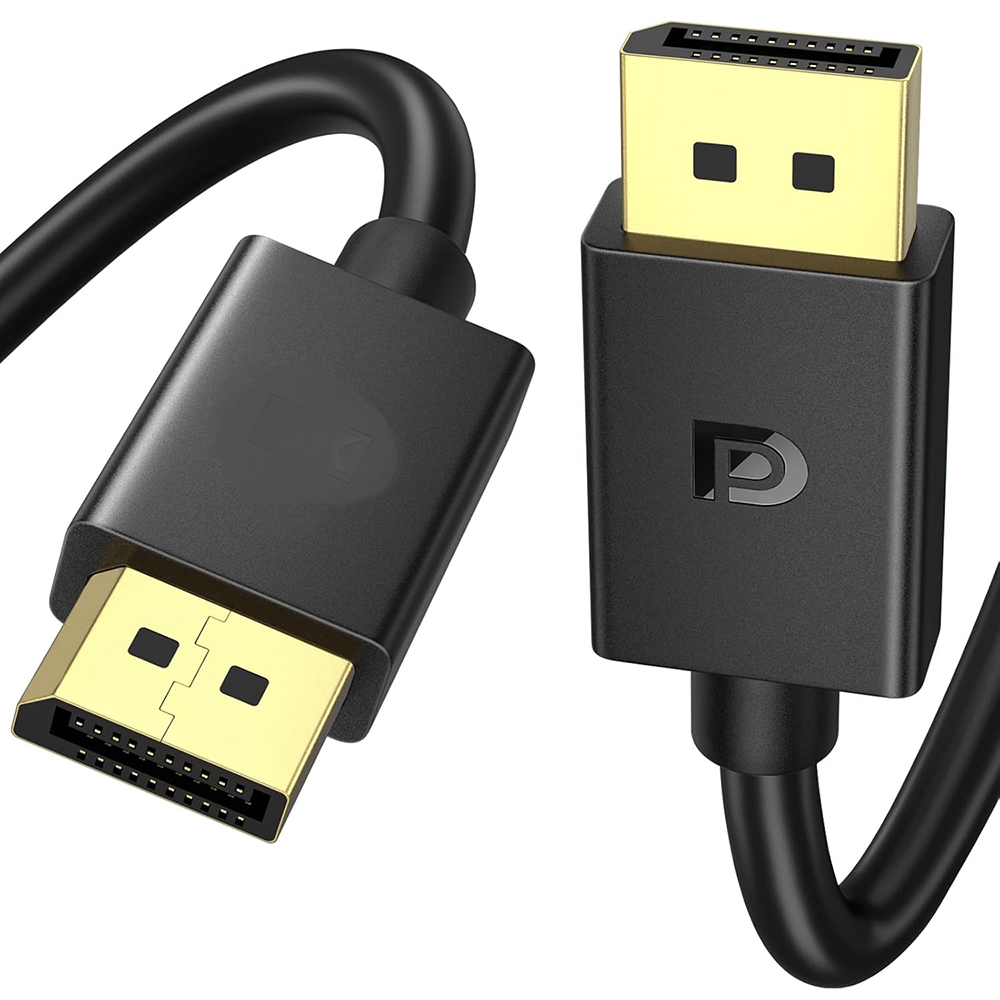
Continuing from what we discussed earlier, 2. Comparing DP Cable Versions: How to Choose Between 1.2, 1.4, and 2.1?
The version determines bandwidth, resolution, and refresh rate—these are the most critical specifications for DP cables and form the core answers to Google search queries such as “DP 1.4 vs 2.1” and “DP cable resolution support.”
DP 1.2 (Basic Model)
Bandwidth: 21.6 Gbps
Supported Specifications: 4K@60Hz, 2K@144Hz, 1080p@240Hz
Ideal Use Cases: Daily office work, entry-level gaming, upgrading older equipment; a cost-effective choice.
DP 1.4 (Mainstream Model, Top Choice for 2026)
Bandwidth: 32.4 Gbps, supports DSC (Display Stream Compression) and FEC (Forward Error Correction)
Supported Resolutions: 4K@144Hz/120Hz, 2K@240Hz, 1080p@360Hz, 8K@60Hz (compressed)
Key Advantages: Compatible with G-SYNC/FreeSync anti-tearing, HDR, and Multi-Screen Display (MST), meeting the needs of over 90% of users. It is the gold standard for gaming, design, and multimedia.
DP 2.1 (Flagship Model, Future-Ready)
Bandwidth: 80 Gbps (UHBR 20)
Supported Specifications: 8K@240Hz (uncompressed), 16K@60Hz, 4K@240Hz+
Ideal Applications: Professional video post-production, high-end esports, and next-generation display devices. Currently, device adoption rates are low, making it suitable for forward-thinking upgrades.
Quick Summary: DP 1.4 is sufficient for general users; choose DP 2.1 for future compatibility; use DP 1.2 for transitioning older equipment.
3.Criteria for a Good DisplayPort Cable: 5 Key Points to Check
1. Look for Official VESA Certification
This is the most reliable guarantee of quality. Genuine DisplayPort cables will bear certification labels such as “VESA Certified,” “DP8K,” or “DP40.” You can verify the TID number on the VESA official website to avoid issues like falsely advertised bandwidth, signal attenuation, or screen flickering and blackouts. Uncertified, low-cost cables are highly prone to causing screen tearing, preventing high refresh rates from enabling, and even damaging ports.
2. Passive Cables vs. Active Cables vs. Fiber Optic Cables
Passive Copper Cables: ≤2 meters. The top choice for short distances; low cost, zero latency. The 1.4 version is sufficient to fully support 4K at 144Hz.
Active Cables: 2–5 meters. These cables amplify and compensate for signal loss, making them suitable for desktop setups or scenarios where the distance between the PC and monitor is significant.
Fiber-Optic DP Cables: 5–50 meters. These cables offer zero signal attenuation and strong resistance to interference, supporting full-speed 8K transmission. They are ideal for home theaters, professional installations, and long-distance transmission, though they tend to be more expensive.
3. Cable Materials and Shielding
High-quality DP cables use high-purity oxygen-free copper and dual-layer aluminum foil + braided mesh shielding to resist electromagnetic interference. They do not overheat or degrade over extended use. Soft PVC or braided outer jackets offer greater durability and are suitable for frequent bending.
4. Choosing the Right Cable Length for Your Setup
Desktop (short-range): 1–1.5 meters (passive cable) is ideal.
Living Room / Multi-screen: 2–3 meters (active cable).
Professional / Home Theater: 5 meters or longer (fiber optic DP cable).
It’s better to use a shorter cable than a longer one; excessively long cables can cause bandwidth loss and render high refresh rates ineffective.
5. Feature Compatibility
Verify device support for: G-SYNC/FreeSync, HDR, MST multi-display, and DSC compression. High-end cables enhance support for these features and help prevent compatibility issues.