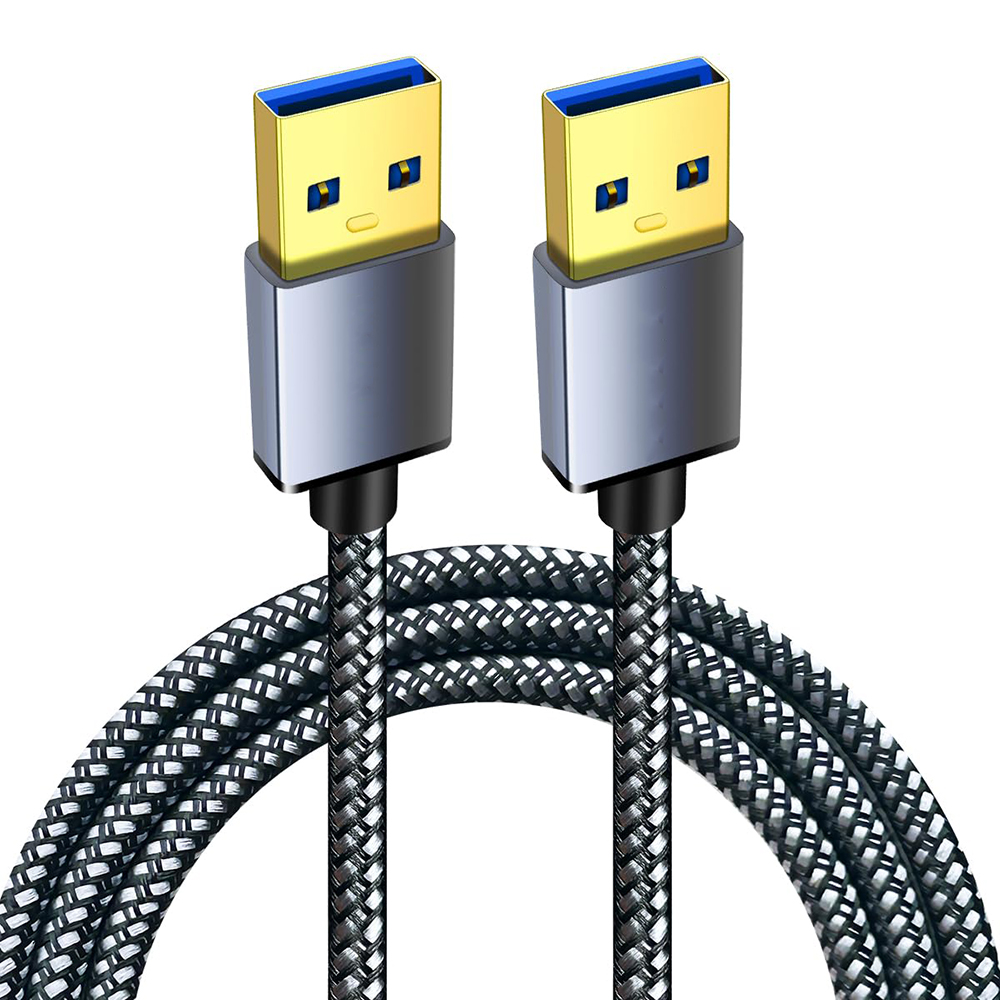
1. USB 3.0 and 2.0 Concepts
Compared to USB 2.0, USB 3.0 introduces full-duplex data transmission. Of the five additional wires, two transmit data, two receive data, and one serves as a ground wire. This means USB 3.0 can perform read and write operations simultaneously at full speed. Previous USB versions did not support full-duplex data transfer. In plain terms: USB 3.0 uses “9” wires, while 2.0 uses “4” wires.
2. Advantages and Disadvantages of USB 3.0 and 2.0
USB 2.0's maximum bandwidth is 480 Mbps (60 MB/s), while USB 3.0 reaches 5.0 Gbps (500 MB/s). The USB 3.0 standard requires 1A power delivery at the port, compared to USB 2.0's 0.5A. However, in practical applications, certain objective factors (such as the controller chip used in storage devices or the quality of the circuit board manufacturing) can slow down the actual transfer rate.
Overall, USB 3.0 offers advantages like faster transfer speeds, ease of use, hot-plug support, flexible connectivity, and independent power supply, while also being backward compatible with USB 2.0. However, for device compatibility, USB 2.0 remains superior today, though it lacks upward compatibility.
3. Identification (Recommended via Connector Features)
(1) Color Identification: The color of the central plastic connector: USB 3.0 - blue; USB 2.0 - black. However, some devices lack standardized color coding. For instance, certain USB 2.0 devices like mice, MP3 players, or data cables may feature black or white plastic connectors. Additionally, non-native USB 3.0 devices using certain controller chips may not have blue connectors. Additionally, USB 3.0 cables are thicker due to four extra internal wires compared to USB 2.0. Some unscrupulous manufacturers produce USB 2.0 connectors with blue coloring to mimic USB 3.0, making color-based identification unreliable.
(2) Pin Configuration: USB 3.0 has 9 pins (contacts), while USB 2.0 has 4 pins (contacts). If the vertical cross-section lacks 5 metal pins (note: not 4 holes), it is not USB 3.0.
Tip: If it's hard to see clearly, turn on your phone's flashlight. You'll easily spot the difference: the vertical cross-section of USB 3.0 has 5 holes, each with a metal contact point. USB 2.0 has 4 holes.